Work From Home in a Rental: Who Handles an Internet Outage?
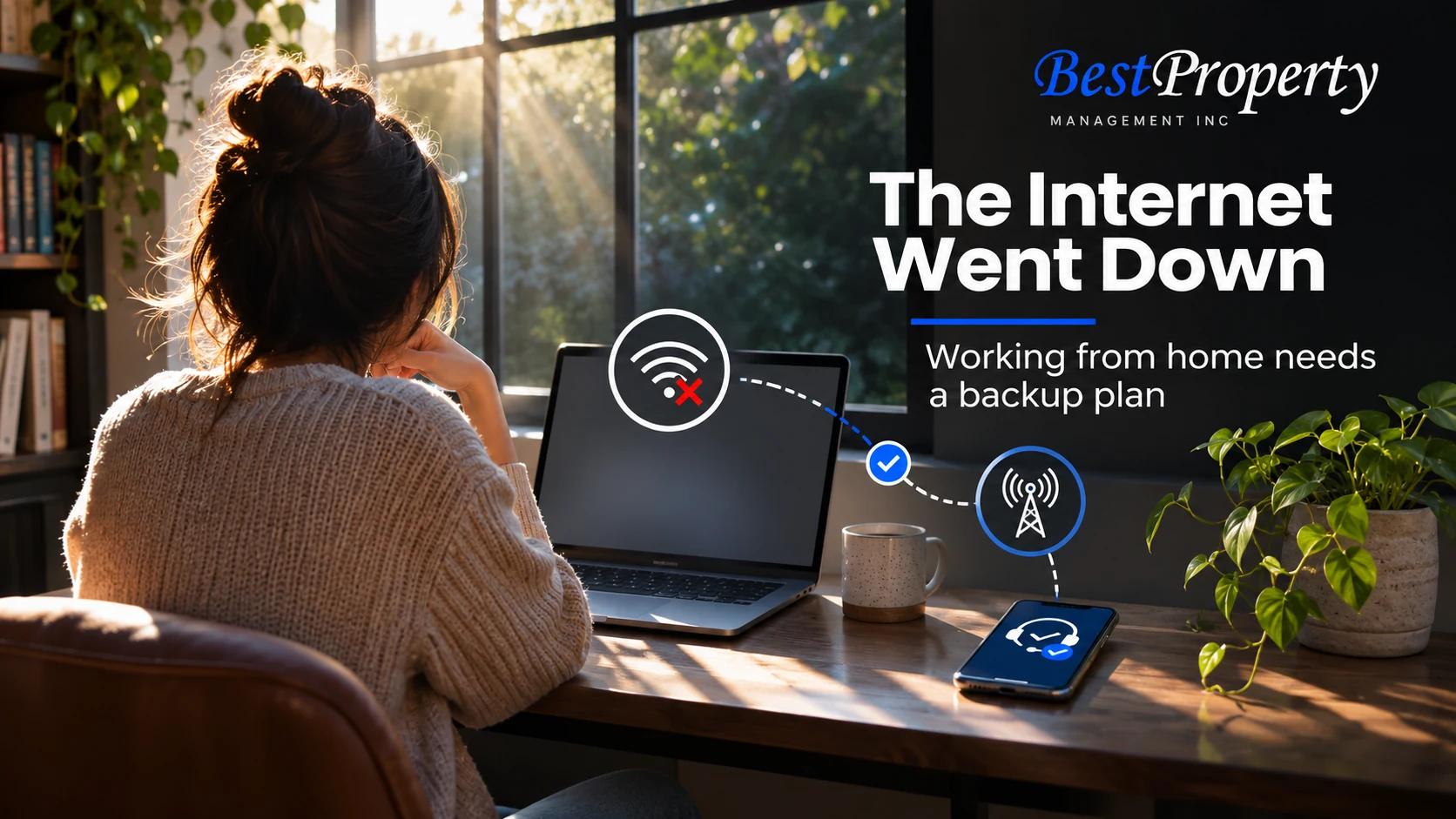
The video call freezes just as a presentation begins. Your laptop still sees the Wi-Fi network, but nothing loads. Is this a provider problem, a router problem or something the property manager needs to coordinate?
The right first contact depends on who controls the internet account and what appears to have failed. A property manager can help with property-related access or maintenance, but cannot automatically repair a provider network or authorize changes to an account they do not control.
For the larger picture, start with our rental internet guide. This article focuses on a practical outage plan for residents working from home and owners who want clearer service expectations.
Separate connectivity from an emergency
A missed work call is disruptive. Smoke, sparks, burning smells or water reaching electrical equipment create a different kind of concern. If there is immediate danger, move to safety and contact emergency services as appropriate. Do not troubleshoot energized equipment in a wet or hazardous area.
For a normal connectivity problem, use only ordinary checks you can perform safely and are authorized to make. Note whether other devices are affected and whether the problem appears limited to Wi-Fi or all available connections. Do not open equipment, enter restricted areas or operate a building electrical panel to investigate.
If the home also has an electrical or water problem, report that separately through the property’s current emergency or maintenance route. Our holiday repair and emergency guide explains why the issue’s severity matters more than the time of day.
Find the account holder before calling around
The person paying a bill is not always the person with authority to change the subscription. A resident may reimburse a bundled charge while the building or owner holds the actual account.
| Arrangement | Likely first contact | Property coordination may involve |
|---|---|---|
| Resident holds the subscription | Provider’s official support | Technician access or approved property work |
| Owner or building holds the account | Designated account or service contact | Access, equipment ownership and resident updates |
| Shared managed network | Supplied network support route | Common equipment and authorized access |
| Unclear arrangement | Leasing or management contact | Identifying the responsible account and current instructions |
The table is a starting point, not a guarantee of any particular property’s service. Keep the actual instructions from your lease or service handoff.
Owners should avoid telling every resident to call the provider if residents cannot authenticate that account. Residents should avoid asking management to disclose another person’s account password. Clear roles solve more than a chain of forwarded support messages.
Send an outage report that can move forward
A useful report records the address or unit through a private channel, when the problem started and its scope. Include whether the provider has acknowledged an outage and whether a technician appointment is pending.
Describe what you observed rather than a diagnosis. “Two devices cannot load websites, although both show the home network” is more useful than “the building wiring is broken.” If a provider supplies a case number, share that number through the approved channel without exposing account security details.
Also explain the access requirement. A technician asking to reach a locked communications cabinet needs an authorized plan. A resident should not force entry or approve alterations on an owner’s behalf.
For recurring trouble, add dates and the previous case number. Our guide to recurring rental repairs explains how a history helps the next person see a pattern.
Know what not to reset
Restarting equipment can be an ordinary provider instruction. Factory-resetting equipment is a larger change that may erase settings or disrupt shared services. Do not assume the two are interchangeable.
Follow the provider’s instructions for your own account and devices. For managed equipment, obtain authorization first. If a device also supports a lock, alarm or building service, identify those dependencies before anyone changes it. Our smart-lock outage article covers why an app failure is not always a mechanical lock failure.
The University of California, Berkeley’s Wi-Fi security guidance supports maintaining secure equipment and credentials. It is not an invitation to change a property-owned network without permission.
Build a realistic work backup
A backup plan should fit your job and your service options. Possibilities include an employer-approved hotspot, a trusted alternate workplace or offline work that can be synchronized later. Confirm coverage, data limits and workplace security requirements before an important deadline.
Do not assume a public network is appropriate for confidential work. Microsoft’s wireless security guidance explains risks that can arise on unfamiliar connections. Follow your employer’s policies, especially for client records or regulated information.
Owners can explain the support process without promising uninterrupted connectivity or replacement workspaces. Residents can ask about service expectations without treating every outage as an established entitlement to reimbursement. The lease, provider contract and applicable law need to be reviewed before making a legal or financial conclusion.
Agree on technician access and closure
An appointment is not complete just because it was scheduled. Confirm who must be present, what areas the technician is authorized to enter and whether the proposed work changes the property.
After service returns, record the repair or provider explanation and test normal use. If the issue persists, reply on the existing case instead of starting several disconnected requests. Ask for the next step and a communication checkpoint rather than a guarantee no one can support.
This approach also helps owners understand whether repeated complaints reflect provider service, equipment ownership or an unresolved property issue. It keeps repair coordination separate from account administration.
Prepare before the next call freezes
Keep the support number, account contact and management backup somewhere you can access without the home connection. Our resident portal outage guide offers a similar approach for reaching a person when the usual digital route fails.
When deciding whether an included service meets your needs, use the seven-question Wi-Fi checklist. If you want another provider, use the California opt-out explainer and obtain the required installation permissions.
Best Property’s rental property management services involve coordinating the applicable property responsibilities. Contact the local office for the actual communication process at your home rather than assuming a universal internet support promise.
Frequently Asked Questions
Should I call the property manager or internet provider first?
Use the property’s stated support arrangement. A resident-held account usually starts with the provider, while a building-managed account may require a designated service contact.
Does seeing the Wi-Fi name mean the internet is working?
No. A device can connect to a local network while that network has no working internet connection. Report the distinction without assuming a specific cause.
Can I factory-reset a rental’s router?
Do not reset managed or property-owned equipment without authorization. A factory reset can erase settings and affect other services or residents.
What details belong in an outage report?
Include the start time, affected devices, observed behavior, provider case number if available and any access request. Keep passwords and recovery codes out of the message.
Does working from home guarantee the owner must provide backup internet?
Do not assume that. Responsibilities depend on the actual arrangement, agreements and applicable law. Clarify expectations before relying on a rental connection for essential work.
What if an outage follows a leak near electrical equipment?
Treat the safety issue separately. Avoid wet electrical equipment, move to safety if needed and use emergency services and the property’s urgent reporting route as appropriate.
Can a technician enter a locked building communications room?
Only through an authorized access arrangement. The resident should coordinate with the responsible property contact rather than forcing entry or approving unrelated work.
How should I close an outage request?
Confirm normal use has returned, record the provider or repair explanation and keep the case number. If the problem recurs, add the new details to the existing history.
Related Articles
Online Rent Payment: What Should You Do When the Portal Is Down? For a communication fallback when a resident portal is unavailable.
Fremont Rental Property Maintenance: Should You Repair, Replace or Monitor a Recurring Problem? For documenting repeated problems so the next repair visit has context.
Will Your Rental’s Smart Lock Still Work if the Power or Internet Goes Out? For distinguishing connectivity trouble from an access-device failure.
Property Maintenance: Did the Chatbot Actually Submit Your Repair Request? For escalating a digital maintenance conversation to the appropriate person.
Blog
Company News
Landlord Resources
Landlords
Legal
Linkedin
Local Market Insights
Maintenance & Repairs
Market
Owners
Property
Property Law & Compliance
Property Management
Rental Property
Tenants
Video
FILTER BY EASTBAY & TRI-VALLEY CITIES
AB 1482
AI Property Management
AI Rental Fraud
Antioch Property Management
Applicant Data Security
Applicant Information
Applicant Screening
Applicant Verification
Bank Statement Fraud
Brentwood
Brentwood property management
California Insurance
California Landlord Laws
California Property Management
California Rent Increase
Central Valley Property Management
Concord Property Management
Credit Reports
Danville Property Management
Danville rentals
Desert Hot Springs Property Management
Desert Property Maintenance
Desert Rentals
Document Fraud
Dublin property management
East Bay Landlords
East Bay Lease Renewals
East Bay property management
East Bay Rental Market
East Bay Rental Owners
East Bay Rental Property Maintenance
East Bay Rental Property Management
East Bay rental tips
East Bay Rentals
EV Charging
Eviction Notices
Eviction Support
Fair Housing
Fake Pay Stubs
Fall Leasing
find a property manager
Fremont
Fremont property management
full service property management
Full-Service Property Management
Good Tenants
Hayward Property Management
Hayward rentals
hiring a property manager
HOA Compliance
HOA Rental Management
HOA Rentals
Home Insurance Costs
Human Oversight
Identity Verification
Income Verification
Indian Wells Property Management
Inherited Rental Property
Landlord Compliance
Landlord Data Security
Landlord Insurance
Landlord Resources
Landlord Tips
Lease Renewal Strategy
Lease Renewals
Leasing Fees
Leasing Services
Livermore
Livermore property management
Livermore Rentals
Local Development
Local Market Insights
Local Rental Support
Long-Term Rentals
Luxury Rentals
maintenance coordination
Maintenance Response
Management Services
Manteca Property Management
Milpitas Property Management
Mountain House Property Management
New Housing San Ramon
Newark CA Property Management
Oakley Property Management
Online Rent Payments
Owner Onboarding
owner reporting
Palm Desert Property Management
Palm Springs Area Property Management
Palm Springs Property Management
Palm Springs Rentals
Pittsburg CA Property Management
Pleasanton property management
Pleasanton rentals
Preventive Maintenance
Property Inspections
Property Maintenance
Property Management
Property Management Companies
Property Management Fees
Property Management Services
Property Management Transition
Property Manager
Rancho Mirage Property Management
Real Estate
real estate investing
Redfin Rentals
Remote Property Management
Rent Collection
Rent Control
Rent Trends
Rental Application Fraud
Rental Application Privacy
Rental Competition
Rental Fees
Rental Fraud
Rental History
Rental Inspections
Rental Internet
rental leasing
Rental Market Analysis
Rental Market Trends
Rental Marketing
Rental Pricing
Rental Property
Rental Property Expenses
Rental Property Maintenance
rental property owners
rental property ROI
Renter Choice
Renter Experience
Repair Coordination
Resident Portal
Residential Leasing
Roommate Management
San Lorenzo Property Management
San Ramon Landlords
San Ramon Orchards
San Ramon property management
San Ramon Rental Market
Screening Red Flags
Seasonal Rentals
Security Deposits
Sell or Rent
Silicon Valley Rentals
single family rentals
Single-Family Rentals
Tenant Background Checks
Tenant Communication
Tenant Complaints
Tenant Expectations
Tenant Issues
Tenant Placement
Tenant Protection Act
Tenant Retention
tenant screening
Tenant Screening Data Security
Tenant Screening Fraud
Tenant Screening Red Flags
Tenant Turnover
Tracy Property Management
Tri-Valley
Tri-Valley Housing Market
Tri-Valley property management
Tri-Valley Rentals
Union City Property Management
Vacation Rental Management
Wildfire Risk
Winter Rental Safety
Zillow Rentals
 FILTER
 SEARCH BLOG