Mandatory Smart-Home Fees: What Are Renters Paying For?
A smart lock is useful when it works. A recurring fee is harder to judge when nobody can explain whether it pays for the lock, an app, a subscription or someone to help when the door will not open.
Ask whether the smart-home charge is mandatory, its full recurring cost, the equipment and support included, outage arrangements and account permissions. A device being installed does not by itself explain a recurring fee.
Start with the price and the choice
Request the amount, billing frequency and whether the service can be declined. If there is no genuine opt-out, include it when comparing the required monthly cost of the home.
Ask where the charge appears in the offer and lease package. An applicant should not have to discover a mandatory technology fee only after signing or receiving the first bill.
The FTC’s current rental enforcement case specifically discusses alleged hidden smart-home charges. That allegation is a prompt to examine disclosure, not proof that all technology fees are prohibited.
Name the service behind the label
A useful explanation identifies the devices, connected service, resident functions and support contact. Is the package limited to door access? Does it include a thermostat, monitoring feature or recurring software service? Ask which functions actually apply to this home.
Separate ordinary operation from optional upgrades. A feature list copied from a vendor’s national marketing page can describe products the resident does not have.
Owners should confirm the service continues to exist for the full billing period. If equipment is removed or a subscription ends, the fee record needs to be reviewed rather than left on autopilot.
The most important feature may be the fallback
Ask what happens during a power, internet, phone or device outage. The answer should identify the approved access method and verified support contact without publishing sensitive entry instructions.
Do not test a lockout by disabling building equipment or changing owner-controlled settings. Obtain the property’s authorized procedure and ask questions before a late-night failure occurs.
A smart thermostat or lock should not force residents to share personal account passwords with management. Access roles need to be defined through the approved system.
Ask a privacy question in plain language
What information does the device collect, who can see it and how long is it retained? These questions are more useful than a broad assurance that the technology is secure.
Request the relevant privacy notice and account terms. Distinguish the owner’s equipment account, the vendor’s platform and the resident’s personal device. Each can have different access and support responsibilities.
Avoid giving a device more permissions than its function needs. When permissions are unclear, ask the provider or manager rather than guessing that every app request is required by the lease.
Make move-out part of the explanation
Who removes the departing resident’s access? Who confirms a new code or account is set up? What happens to a personal device connected to the home’s system? Those questions belong in the handover plan.
Residents should follow the authorized account-removal process and retain confirmation. Owners should verify the reset without requesting personal passwords or leaving old users active.
A technology fee is easier to evaluate when the entire service life is explained: setup, daily use, support, outage and departure.
| Question | A useful answer names |
|---|---|
| What am I paying for? | Specific devices and recurring services |
| Who helps? | Verified support and escalation contacts |
| What if it fails? | Authorized fallback process |
| Who sees data? | Access roles and privacy terms |
| What happens at move-out? | Removal, reset and confirmation responsibilities |
For owners: review the resident experience, not just the vendor invoice
A paid vendor bill does not show that residents understand the service. Review the fee disclosure, setup instructions and one real support pathway. Check that staff know where to direct a lock or account problem.
Do not claim the fee improves security, lowers bills or prevents lockouts unless those claims have support. Describe the actual functions and limits instead.
Questions owners and tenants ask
Are smart-home fees always optional?
No. Ask about the specific offer. If a charge is mandatory, include it in the recurring cost comparison.
Does a smart lock justify any monthly fee?
Not by itself. The service, amount, disclosure and applicable law require review.
What should happen during an outage?
Use the property’s authorized fallback and verified support process. Do not improvise changes to controlled equipment.
Should tenants share their app password?
Use approved access roles rather than sharing personal passwords. Ask for help if the platform is unclear.
Who removes access at move-out?
The property and service provider should identify the responsible parties. Residents should follow the authorized account-removal instructions.
Does the FTC case ban every smart-home charge?
No. The case concerns specific alleged conduct and proposed terms; it does not settle every property’s fee legality.
Explore this article series
Rental Junk Fees: What Does the FTC’s $49.75 Million Case Mean for Tenants and Owners?
Advertised Rent vs. Total Monthly Cost: Which Number Should You Compare?
Rental Utility Fees: What Should Your Bill Explain?
Tenant Reviews: Can a Lease Stop You From Posting a Negative Review?
Related articles
Smart locks during a power or internet outage
California rental internet choice, costs and support
Talk with your local Best Property team
If a rental includes connected devices, ask your local office for the actual equipment, fee and support information for that home. Find your local office.
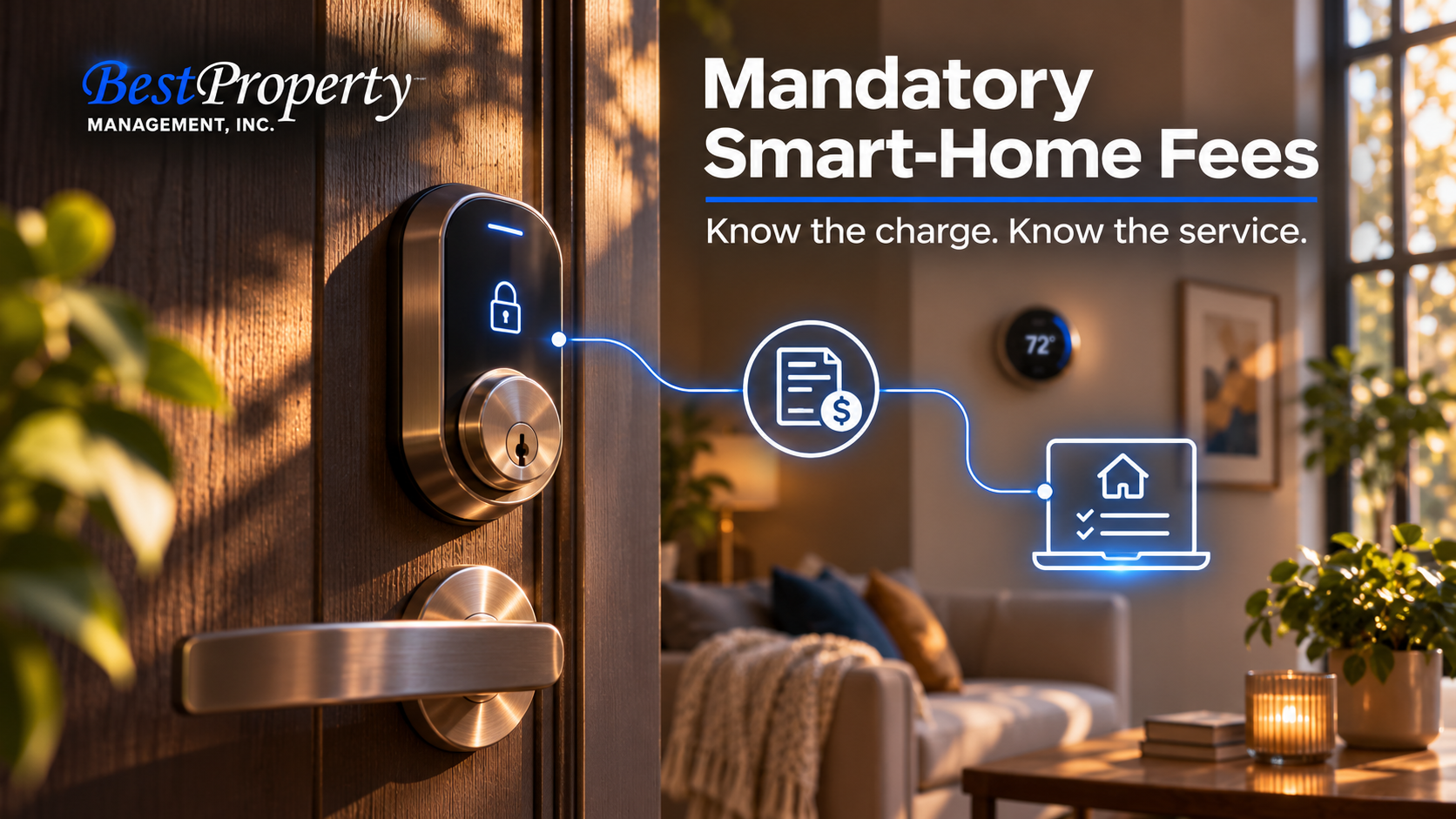
Research checked November 12, 2026. Technology features and fees vary by property and provider. No unsupported security, privacy or savings guarantee is made. AI-assisted editorial illustration; no actual tenant, client event or property is depicted.
Blog
Company News
Landlord Resources
Landlords
Legal
Linkedin
Local Market Insights
Maintenance & Repairs
Market
Owners
Property
Property Law & Compliance
Property Management
Rental Property
Tenants
Video
FILTER BY EASTBAY & TRI-VALLEY CITIES
AB 1482
AI Property Management
AI Rental Fraud
Antioch Property Management
Applicant Data Security
Applicant Information
Applicant Screening
Applicant Verification
Bank Statement Fraud
Battery Recalls
Brentwood
Brentwood property management
California Insurance
California Landlord Laws
California Property Management
California Rent Increase
Central Valley Property Management
Concord Property Management
Credit Reports
Danville Property Management
Danville rentals
Desert Hot Springs Property Management
Desert Property Maintenance
Desert Rentals
Document Fraud
Dublin property management
E-Bike Safety
East Bay Landlords
East Bay Lease Renewals
East Bay property management
East Bay Rental Market
East Bay Rental Owners
East Bay Rental Property Maintenance
East Bay Rental Property Management
East Bay rental tips
East Bay Rentals
EV Charging
Eviction Notices
Eviction Support
Fair Housing
Fake Pay Stubs
Fall Leasing
find a property manager
Fremont
Fremont property management
full service property management
Full-Service Property Management
Good Tenants
Hayward Property Management
Hayward rentals
Heat Pump Water Heaters
hiring a property manager
HOA Compliance
HOA Rental Management
HOA Rentals
Home Insurance Costs
Human Oversight
Identity Verification
Income Verification
Indian Wells Property Management
Inherited Rental Property
Landlord Compliance
Landlord Data Security
Landlord Insurance
Landlord Resources
Landlord Tips
Lease Renewal Strategy
Lease Renewals
Leasing Fees
Leasing Services
Livermore
Livermore property management
Livermore Rentals
Local Development
Local Market Insights
Local Rental Support
Long-Term Rentals
Luxury Rentals
maintenance coordination
Maintenance Response
Management Services
Manteca Property Management
Milpitas Property Management
Mountain House Property Management
New Housing San Ramon
Newark CA Property Management
Oakley Property Management
Online Rent Payments
Owner Onboarding
owner reporting
Palm Desert Property Management
Palm Springs Area Property Management
Palm Springs Property Management
Palm Springs Rentals
Pittsburg CA Property Management
Pleasanton property management
Pleasanton rentals
Preventive Maintenance
Property Inspections
Property Maintenance
Property Management
Property Management Companies
Property Management Fees
Property Management Services
Property Management Transition
Property Manager
Rancho Mirage Property Management
Real Estate
real estate investing
Redfin Rentals
Remote Property Management
Rent Collection
Rent Control
Rent Reporting
Rent Trends
Rental Application Fraud
Rental Application Privacy
Rental Competition
Rental Fee Transparency
Rental Fees
Rental Fraud
Rental History
Rental Inspections
Rental Internet
rental leasing
Rental Market Analysis
Rental Market Trends
Rental Marketing
Rental Pricing
Rental Property
Rental Property Expenses
Rental Property Maintenance
rental property owners
rental property ROI
Renter Choice
Renter Experience
Repair Coordination
Resident Portal
Residential Leasing
Roommate Management
San Lorenzo Property Management
San Ramon Landlords
San Ramon Orchards
San Ramon property management
San Ramon Rental Market
Screening Red Flags
Seasonal Rentals
Security Deposits
Sell or Rent
Silicon Valley Rentals
single family rentals
Single-Family Rentals
Tenant Background Checks
Tenant Communication
Tenant Complaints
Tenant Expectations
Tenant Issues
Tenant Placement
Tenant Protection Act
Tenant Retention
tenant screening
Tenant Screening Data Security
Tenant Screening Fraud
Tenant Screening Red Flags
Tenant Turnover
Tracy Property Management
Tri-Valley
Tri-Valley Housing Market
Tri-Valley property management
Tri-Valley Rentals
Union City Property Management
Vacation Rental Management
Wildfire Risk
Winter Rental Safety
Zillow Rentals
 FILTER
 SEARCH BLOG