Smart-Home Privacy: Who Controls the Accounts When You Move Out?
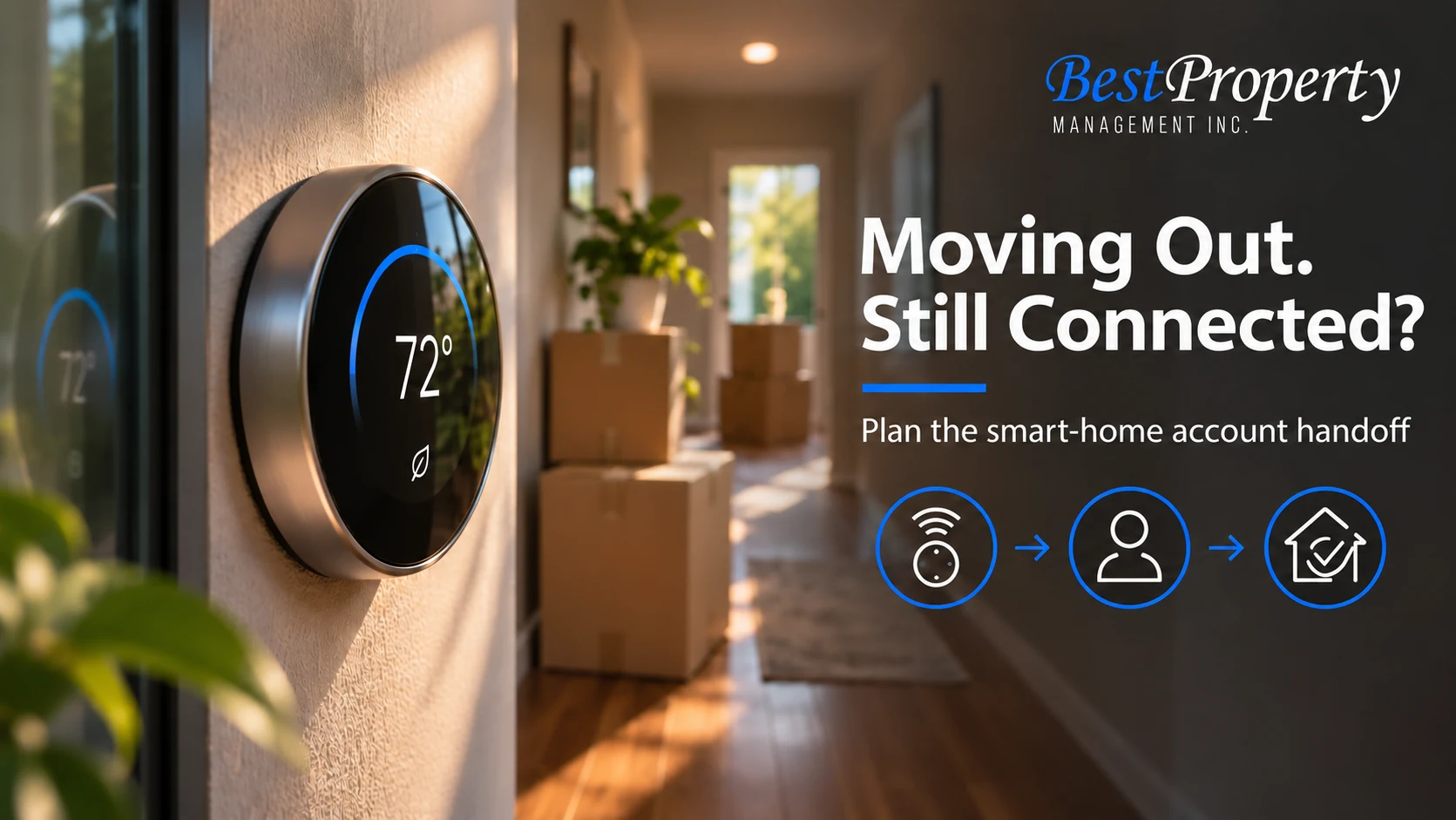
You returned the keys, but your phone still shows the thermostat. Or you move into a rental and discover that its doorbell is linked to someone else’s account. A connected home can have a second handoff that a physical key check misses.
At move-out, separate device ownership, account ownership and permission to control the device. Then agree on an authorized handoff. Removing your personal access is important, but resetting a property-owned lock or thermostat without permission can create a different problem.
This checklist fits within our rental internet guide and the broader move-out documentation process. It is an account and privacy plan, not a claim that every rental has connected devices.
Inventory what is actually connected
Walk through the home with the move-out instructions in mind. List smart locks, thermostats, doorbells, cameras, speakers, hubs and connected appliances that are relevant to the tenancy. Note which devices belong to the owner, provider or resident.
For each one, identify the associated app and the account owner without copying passwords into the inventory. A device may be physically installed at the home while its cloud account belongs to a resident. Another may be building-managed with the resident added as a guest.
Do not assume disconnecting Wi-Fi removes all remote access. The UK government’s smart-device safety guidance explains that connected devices and their supporting services need attention to account security. Treat the guidance as general security information, not California tenancy law.
Separate three kinds of permission
A useful handoff distinguishes the right to use a device, the right to administer its account and permission to alter or remove the hardware. Those permissions may belong to different people.
| Item | Question to settle | Record to keep |
|---|---|---|
| Property-owned lock | Who removes old user access and adds the next resident? | Authorized handoff confirmation |
| Resident-owned camera | How will it be removed and any approved mounting restored? | Removal and condition record |
| Shared thermostat | Which account controls it after departure? | Owner-approved transfer or access removal |
| Provider equipment | Who returns it and closes the subscription? | Provider instructions and receipt |
A roommate’s departure may call for changing that person’s authorized access while the household stays. It does not automatically justify wiping the entire home. Our roommate move-out checklist separates individual departure from full household surrender.
Use manufacturer instructions for the exact model
Account removal, transfer and factory reset are not always the same operation. The correct order can differ by product.
For example, Google’s device-removal guidance describes app and account steps for supported home devices. It should not be treated as universal instructions for another manufacturer’s lock or alarm. Read the current instructions for the exact model and follow the authorized property plan.
For a property-owned device, ask who will perform the change and when. For resident-owned hardware, coordinate removal before the final inspection if the installation affected the property. Do not leave the next resident with an unusable device that requires a previous occupant’s login.
Protect personal accounts without sharing secrets
Do not give a landlord, roommate or replacement tenant your personal email password to transfer a household device. A device handoff should not transfer unrelated photos, messages, payment details or account recovery access.
Where supported, use the manufacturer’s transfer or account-removal process. If ownership cannot be transferred cleanly, ask the property contact and manufacturer for the appropriate method rather than improvising. A new property-specific account may be an option for the responsible owner, but its setup should be authorized.
Remove personal permissions from services you control and review any shared home membership. Keep proof of the completed action without including recovery codes or screenshots of private camera footage.
Plan access changes around the actual move
Changing a smart-lock permission too early can lock out someone who still has lawful access. Leaving an old permission active after an authorized handoff creates another risk. Coordinate the timing with the documented tenancy and possession arrangement.
Do not use account changes as a substitute for a legal process or to exclude another occupant during a dispute. Ask the responsible property contact for instructions and obtain qualified legal advice if access rights are contested.
For everyday technical failures, our smart-lock outage guide covers why a phone-app problem needs a separate access plan. Keep an approved physical or other backup method where the property’s system provides one.
Make privacy part of the inspection
A condition inspection should record physical damage and equipment presence. A connected-home handoff should also confirm that the appropriate accounts and user permissions have been addressed.
These are related tasks, but one does not prove the other. A clean thermostat can still be linked to an old account. A removed account does not establish that a camera mount was restored properly.
Owners can use a brief checklist: device present, authorized control confirmed, prior resident access addressed and next resident instructions ready. Residents can ask for confirmation that their personal account is no longer part of the property’s control setup. The move-out inspection service addresses the property record; ask the office how connected equipment is handled at the particular home.
Keep the next move-in simple
A new resident should receive only the access needed for the home and the applicable instructions. Avoid handing over a folder of a previous occupant’s personal account information.
Explain who can change settings, where support starts and what needs permission. If devices depend on the rental internet connection, include that relationship in the Wi-Fi handoff questions. If service fails, the internet outage plan helps separate connectivity from device or account trouble.
For homes managed by Best Property in Livermore, Fremont, Brentwood or Tracy, contact the appropriate office before altering property-owned equipment. A planned account handoff is a practical way to protect privacy while leaving the home usable for the next household.
Frequently Asked Questions
Does returning keys remove smart-home access?
No. Digital permissions and account links may need separate authorized changes. Include them in the handoff rather than assuming a physical key return handles every device.
Should I factory-reset every smart device before moving?
No. Identify ownership and follow the authorized property plan and manufacturer instructions. Resetting property-owned equipment without permission can disrupt access or building functions.
Can I transfer a device by sharing my personal email password?
Do not share a personal account password. Use supported transfer, removal or guest-access procedures so that unrelated personal information remains private.
What if my phone still controls a thermostat after move-out?
Notify the responsible property contact and remove your personal access using the appropriate instructions. Do not continue changing settings after your authorized access ends.
What should a departing roommate do?
Coordinate removal of that person’s authorized permissions at the agreed time. Do not wipe shared equipment or lock out remaining occupants as a substitute for resolving a tenancy issue.
Is disconnecting Wi-Fi enough to remove account access?
Do not assume it is. Cloud accounts and shared-home memberships may remain associated with devices and need their own authorized handoff.
Who removes a resident-owned camera?
The resident should coordinate approved removal and any required restoration with the property contact. Record the device removal separately from the property’s condition assessment.
What should a new resident receive?
Current access instructions, a support route and a clear explanation of permitted changes. They should not inherit a previous resident’s personal credentials or private account information.
Related Articles
Livermore Move-Out Inspections: What Should Owners Document Before Repairs Begin? For documenting property condition and responsibilities at departure.
Will Your Rental’s Smart Lock Still Work if the Power or Internet Goes Out? For a backup plan when smart-lock connectivity fails.
Do Doorbell Cameras Stop Package Theft? 5 Questions Before the Holiday Rush For understanding privacy and responsibility questions around doorbell devices.
What Documents Should Owners Give a New Property Manager? For organizing a change in property-management responsibility.
Blog
Company News
Landlord Resources
Landlords
Legal
Linkedin
Local Market Insights
Maintenance & Repairs
Market
Owners
Property
Property Law & Compliance
Property Management
Rental Property
Tenants
Video
FILTER BY EASTBAY & TRI-VALLEY CITIES
AB 1482
AI Property Management
AI Rental Fraud
Antioch Property Management
Applicant Data Security
Applicant Information
Applicant Screening
Applicant Verification
Bank Statement Fraud
Brentwood
Brentwood property management
California Insurance
California Landlord Laws
California Property Management
California Rent Increase
Central Valley Property Management
Concord Property Management
Credit Reports
Danville Property Management
Danville rentals
Desert Hot Springs Property Management
Desert Property Maintenance
Desert Rentals
Document Fraud
Dublin property management
East Bay Landlords
East Bay Lease Renewals
East Bay property management
East Bay Rental Market
East Bay Rental Owners
East Bay Rental Property Maintenance
East Bay Rental Property Management
East Bay rental tips
East Bay Rentals
EV Charging
Eviction Notices
Eviction Support
Fair Housing
Fake Pay Stubs
Fall Leasing
find a property manager
Fremont
Fremont property management
full service property management
Full-Service Property Management
Good Tenants
Hayward Property Management
Hayward rentals
hiring a property manager
HOA Compliance
HOA Rental Management
HOA Rentals
Home Insurance Costs
Human Oversight
Identity Verification
Income Verification
Indian Wells Property Management
Inherited Rental Property
Landlord Compliance
Landlord Data Security
Landlord Insurance
Landlord Resources
Landlord Tips
Lease Renewal Strategy
Lease Renewals
Leasing Fees
Leasing Services
Livermore
Livermore property management
Livermore Rentals
Local Development
Local Market Insights
Local Rental Support
Long-Term Rentals
Luxury Rentals
maintenance coordination
Maintenance Response
Management Services
Manteca Property Management
Milpitas Property Management
Mountain House Property Management
New Housing San Ramon
Newark CA Property Management
Oakley Property Management
Online Rent Payments
Owner Onboarding
owner reporting
Palm Desert Property Management
Palm Springs Area Property Management
Palm Springs Property Management
Palm Springs Rentals
Pittsburg CA Property Management
Pleasanton property management
Pleasanton rentals
Preventive Maintenance
Property Inspections
Property Maintenance
Property Management
Property Management Companies
Property Management Fees
Property Management Services
Property Management Transition
Property Manager
Rancho Mirage Property Management
Real Estate
real estate investing
Redfin Rentals
Remote Property Management
Rent Collection
Rent Control
Rent Trends
Rental Application Fraud
Rental Application Privacy
Rental Competition
Rental Fees
Rental Fraud
Rental History
Rental Inspections
Rental Internet
rental leasing
Rental Market Analysis
Rental Market Trends
Rental Marketing
Rental Pricing
Rental Property
Rental Property Expenses
Rental Property Maintenance
rental property owners
rental property ROI
Renter Choice
Renter Experience
Repair Coordination
Resident Portal
Residential Leasing
Roommate Management
San Lorenzo Property Management
San Ramon Landlords
San Ramon Orchards
San Ramon property management
San Ramon Rental Market
Screening Red Flags
Seasonal Rentals
Security Deposits
Sell or Rent
Silicon Valley Rentals
single family rentals
Single-Family Rentals
Tenant Background Checks
Tenant Communication
Tenant Complaints
Tenant Expectations
Tenant Issues
Tenant Placement
Tenant Protection Act
Tenant Retention
tenant screening
Tenant Screening Data Security
Tenant Screening Fraud
Tenant Screening Red Flags
Tenant Turnover
Tracy Property Management
Tri-Valley
Tri-Valley Housing Market
Tri-Valley property management
Tri-Valley Rentals
Union City Property Management
Vacation Rental Management
Wildfire Risk
Winter Rental Safety
Zillow Rentals
 FILTER
 SEARCH BLOG