Online Rent Payment: What Should You Do When the Portal Is Down?
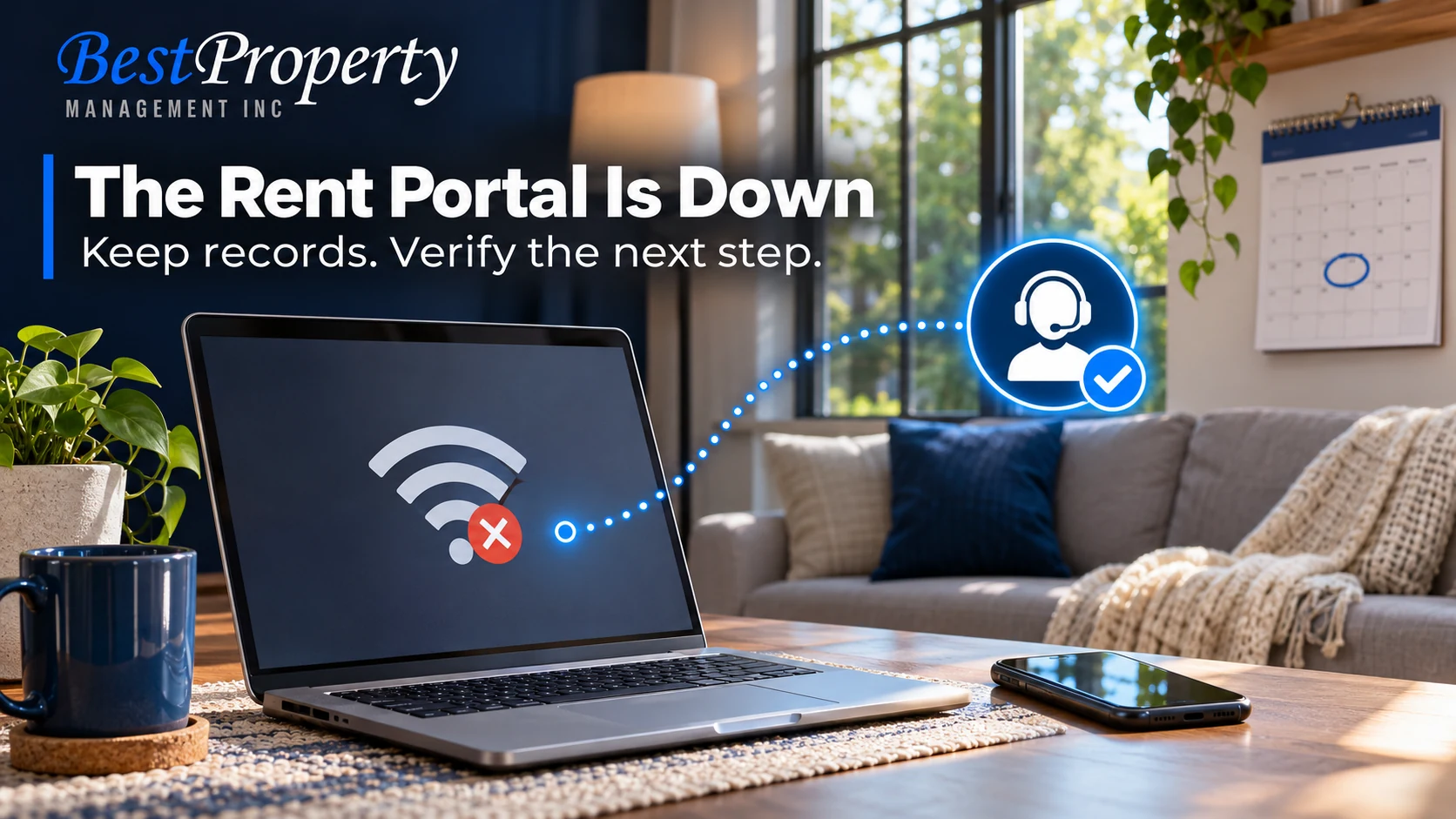
If the rent portal is down, document the error, check whether a payment is already pending and contact the office through a verified channel. Do not immediately submit a second payment or follow new banking instructions from an unverified message.
The frustrating part is uncertainty. The page may freeze after you press submit. Your bank may show a pending transaction while the portal still says unpaid. Or you may be unable to sign in at all. Those situations need different next steps.
Digital services are part of the current renter experience described in Zillow’s 2026 renter research. That does not establish that a specific platform is unreliable. It does make a practical backup process worth knowing before the due date.
Step 1: Record what happened without exposing private details
Save the date, approximate time, error message and the stage at which the problem occurred. A screenshot can help, but hide account numbers, personal balances and unrelated information before sharing it.
Keep any transaction or confirmation reference. Note whether you were trying to sign in, select a payment method or complete a submission. “The page would not load” is different from “the page stopped after I authorized the payment.”
Do not publish screenshots of your rental or banking account on social media to obtain support. Use the verified office or provider channel.
Step 2: Distinguish pending, failed and unattempted payments
| What you see | What it may mean | Useful next action |
|---|---|---|
| Cannot open the portal | Access problem, no payment attempted | Contact verified support and ask about the approved backup |
| Error after submission | Status uncertain | Preserve the reference and ask for a trace |
| Pending bank entry | Funds may be authorized but not settled | Confirm before submitting again |
| Confirmed portal receipt | Payment recorded in that system | Reconcile any ledger discrepancy with the office |
These are possibilities, not diagnoses of a particular platform. The bank, payment provider and office may need to compare records before anyone can say where the transaction stands.
Our rent collection guide explains the distinction between a payment event and a properly credited rental ledger.
Step 3: Contact the actual office promptly
Use the contact details from your established relationship or a directory you navigate to independently. Explain the issue in one concise message and attach only the necessary evidence.
Ask whether the office is aware of a system issue, how to confirm the payment status and what approved alternative is available. Do not assume every employee can see every processing stage. Request the appropriate support route when necessary.
A sample message: “I attempted rent payment at [time] and received [error]. My reference is [number], and the bank shows [pending/no entry]. Please confirm the status and the approved next step before I submit another payment.”
Step 4: Verify any backup method
An outage can make an unexpected text saying “pay here instead” seem plausible. Verify new instructions through an independent, known contact before transferring money. A logo or familiar sender name is not enough.
Ask how the backup payment should be identified, where it will be credited and what receipt you will receive. Avoid sending funds to a personal account simply because a message claims it is temporary.
The FBI’s business email compromise guidance explains why changed payment instructions deserve an independent check. This is a precaution, not a claim that a particular outage involves fraud.
Step 5: Confirm the account after the problem is resolved
When the portal returns, compare the receipt, bank record and rental ledger. Look for a duplicate charge, an unapplied payment or a balance that has not yet updated. Send the reference numbers to the responsible team if they do not agree.
Do not cancel or dispute a transaction impulsively while another payment is still being traced. Ask the provider and office how to resolve the specific discrepancy. Different payment methods have different processing and reversal rules.
Keep the resolution with the original record so you do not have to reconstruct the problem later.
Does a portal outage change the rent deadline?
Do not assume so. The lease, applicable law and the actual circumstances matter. A screenshot can document an attempt, but it does not automatically create a waiver or amend an agreement.
Communicate promptly and ask the responsible office to confirm the next step in writing. If a fee or deadline becomes disputed, preserve the records and obtain appropriate advice. Our late-rent process article provides broader context without deciding an individual dispute.
What should owners ask their manager?
Ask whether residents have a clear payment support contact, a verified backup process and a way to confirm settlement. The workflow should explain what happens when the software and ledger disagree, not just how easy payment is when everything works.
For remote owners, our oversight guide discusses the value of clear reporting and an accountable contact. A payment exception should have an owner of the next action.
Save the process before the next deadline
Keep the approved contact route somewhere you can access without signing into the portal. Confirm the current procedure with the appropriate Best Property office. This article does not announce an outage or specify a universal backup payment method.
The goal is simple: preserve evidence, verify the status and pay through an approved route once the uncertainty is resolved.
Residents and owners can use our rent-collection service information when confirming the established payment workflow with the office.
Review the five checks for a possible property-manager payment scam before accepting changed instructions. A legitimate outage should not short-circuit verification.
Frequently Asked Questions
Should I pay again if the rent portal freezes?
Not immediately. Check for a confirmation or pending transaction and contact the verified office or provider. An error screen does not always mean no payment was initiated, so a second submission could create a duplicate.
What evidence should I save?
Keep the date, time, exact error and any transaction reference. A screenshot may help, but redact sensitive account details and unrelated information before sharing it through an approved support channel.
Does a pending bank entry prove the rent is paid?
Not by itself. A pending entry may not show settlement or correct credit to the rental ledger. Ask the relevant provider and office to reconcile the reference before making assumptions.
Can I use payment instructions sent by text during an outage?
Verify them independently through a contact you already trust. Do not use the suspicious message’s own callback number as the verification. A real outage does not make every replacement payment request legitimate.
Does an outage automatically waive a late fee?
No automatic conclusion follows from the outage alone. The agreement, applicable rules and actual facts need review. Notify the office promptly, keep evidence and request written clarification about the next step.
What if the portal receipt and rental ledger disagree?
Provide the receipt and transaction reference to the responsible team and ask for reconciliation. Do not assume the balance is correct or incorrect without reviewing both the payment processing record and the property account.
Should I post my screenshot publicly to get help faster?
Avoid posting private account screens or financial information publicly. Use verified support channels and share only the information necessary to identify the issue.
Is Best Property’s portal currently down?
This article describes a general contingency process and does not report a current outage. Contact the responsible Best Property office for the actual system status and approved payment instructions.
Related Articles
Best Guide to Rent Collection in the East Bay: Payment Systems, Late Rent and Owner Reporting Understand how payment records connect to the ledger.
Brentwood Rent Collection: What Should Owners Do When Rent Is Late? Review the communication and documentation process for late or missing rent.
Tracy Remote Property Management: How Can You Track Rent, Repairs and Inspections From Out of Town? See what owners should be able to verify remotely.
Tenant Screening Data Security: What Applicant Information Should Landlords Protect? Apply careful data handling when sharing support evidence.
Blog
Company News
Landlord Resources
Landlords
Legal
Linkedin
Local Market Insights
Maintenance & Repairs
Market
Owners
Property
Property Law & Compliance
Property Management
Rental Property
Tenants
Video
FILTER BY EASTBAY & TRI-VALLEY CITIES
AB 1482
AI Property Management
AI Rental Fraud
Antioch Property Management
Applicant Data Security
Applicant Information
Applicant Screening
Applicant Verification
Bank Statement Fraud
Brentwood
Brentwood property management
California Insurance
California Landlord Laws
California Property Management
California Rent Increase
Central Valley Property Management
Concord Property Management
Credit Reports
Danville Property Management
Danville rentals
Desert Hot Springs Property Management
Desert Property Maintenance
Desert Rentals
Document Fraud
Dublin property management
East Bay Landlords
East Bay Lease Renewals
East Bay property management
East Bay Rental Market
East Bay Rental Owners
East Bay Rental Property Maintenance
East Bay Rental Property Management
East Bay rental tips
East Bay Rentals
EV Charging
Eviction Notices
Eviction Support
Fair Housing
Fake Pay Stubs
Fall Leasing
find a property manager
Fremont
Fremont property management
full service property management
Full-Service Property Management
Good Tenants
Hayward Property Management
Hayward rentals
hiring a property manager
HOA Compliance
HOA Rental Management
HOA Rentals
Home Insurance Costs
Human Oversight
Identity Verification
Income Verification
Indian Wells Property Management
Inherited Rental Property
Landlord Compliance
Landlord Data Security
Landlord Insurance
Landlord Resources
Landlord Tips
Lease Renewal Strategy
Lease Renewals
Leasing Fees
Leasing Services
Livermore
Livermore property management
Livermore Rentals
Local Development
Local Market Insights
Local Rental Support
Long-Term Rentals
Luxury Rentals
maintenance coordination
Maintenance Response
Management Services
Manteca Property Management
Milpitas Property Management
Mountain House Property Management
New Housing San Ramon
Newark CA Property Management
Oakley Property Management
Online Rent Payments
Owner Onboarding
owner reporting
Palm Desert Property Management
Palm Springs Area Property Management
Palm Springs Property Management
Palm Springs Rentals
Pittsburg CA Property Management
Pleasanton property management
Pleasanton rentals
Preventive Maintenance
Property Inspections
Property Maintenance
Property Management
Property Management Companies
Property Management Fees
Property Management Services
Property Management Transition
Property Manager
Rancho Mirage Property Management
Real Estate
real estate investing
Redfin Rentals
Remote Property Management
Rent Collection
Rent Control
Rent Trends
Rental Application Fraud
Rental Application Privacy
Rental Competition
Rental Fees
Rental Fraud
Rental History
Rental Inspections
Rental Internet
rental leasing
Rental Market Analysis
Rental Market Trends
Rental Marketing
Rental Pricing
Rental Property
Rental Property Expenses
Rental Property Maintenance
rental property owners
rental property ROI
Renter Choice
Renter Experience
Repair Coordination
Resident Portal
Residential Leasing
Roommate Management
San Lorenzo Property Management
San Ramon Landlords
San Ramon Orchards
San Ramon property management
San Ramon Rental Market
Screening Red Flags
Seasonal Rentals
Security Deposits
Sell or Rent
Silicon Valley Rentals
single family rentals
Single-Family Rentals
Tenant Background Checks
Tenant Communication
Tenant Complaints
Tenant Expectations
Tenant Issues
Tenant Placement
Tenant Protection Act
Tenant Retention
tenant screening
Tenant Screening Data Security
Tenant Screening Fraud
Tenant Screening Red Flags
Tenant Turnover
Tracy Property Management
Tri-Valley
Tri-Valley Housing Market
Tri-Valley property management
Tri-Valley Rentals
Union City Property Management
Vacation Rental Management
Wildfire Risk
Winter Rental Safety
Zillow Rentals
 FILTER
 SEARCH BLOG